Patta/Chitta records show revenue particulars about a parcel. Viewing them helps you compare the recorded entry with existing documents; a fresh lookup is useful when checking whether the details have changed.
What Details Should You Keep Ready?
Keep an existing Patta, registered deed or earlier revenue extract beside you. Copy the district, taluk and village carefully, along with the Patta number or full survey number and subdivision. A street address alone may not identify the revenue parcel, especially when a survey number has been subdivided.
For an urban property, choose the Town Survey Land Register service where applicable. Its town-survey particulars differ from a village lookup.
Which Service Should You Choose?
The portal groups several land-record services, so pick the one that matches the record you need:
- Rural or Natham land: use the Patta/Chitta viewing service and search by village and survey or Patta number.
- Town survey (urban) land: use the TSLR extract service, which works with town, ward, block and Town Survey Number.
- Land boundaries and shape: use the FMB sketch, which is a survey drawing and not a Patta or Chitta.
- Status of a transfer application: use the Patta status guide instead of searching the record again.
How to View Patta Chitta Online in Tamilnadu?
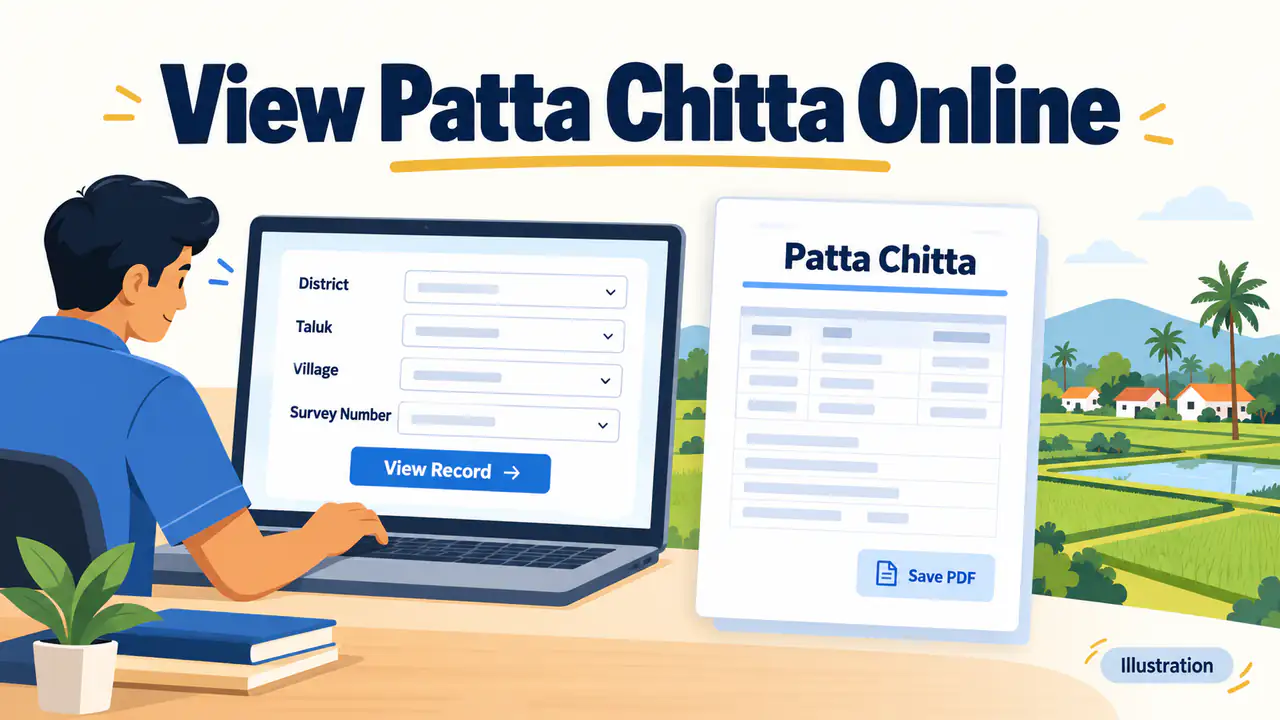
Start from the official homepage rather than a search advertisement or a download page. Choose the relevant Patta/Chitta viewing service and follow the fields displayed there. Check the selected location before submitting: a survey number can occur in different villages, so the number alone is insufficient.
- Open Tamil Nadu land-records e-Services at eservices.tn.gov.in.
- Choose the appropriate Patta/Chitta service for your land.
- Select the district, taluk and village requested by the form.
- Supply the Patta or survey/subdivision particulars offered by the search.
- Complete the displayed verification, submit and review the returned record.
Compare the recorded holder, parcel number, extent and classification with your documents. Read the units printed on the record before comparing areas.
How Can You Save and Verify the Record?
Use the result's Download or Print option when available. If browser printing is supported, choose Save as PDF and inspect the preview before saving. Keep every page, parcel identifier and verification detail readable. Then use the separate verification service to compare an issued copy with the record retrieved online.
Retain the original downloaded file and retrieval date. For the full PDF steps, see how to download Patta Chitta. Avoid cropping the document or changing names while preparing a copy for someone else.
How to Read the Patta Chitta You See
Once the record opens, go through it field by field:
- Holder name: check the spelling and whether co-owners are listed.
- Patta number: note it, since it is useful for later searches and applications.
- Survey and subdivision number: confirm it is the same parcel as in your deed, for example 123/4A and not 123/4.
- Extent: check the unit used, such as hectares and ares, before comparing it with the deed.
- Land classification: dry, wet or other types, which affects how the land is treated in records.
Can You View Patta Chitta on a Mobile Phone?
Yes. The e-Services portal opens in a mobile browser, and the TamilNilam app on Google Play offers land-record services on Android. Check the publisher before you install any app, because look-alike apps exist.
Our Patta Chitta EC APK guide explains how to tell the official apps apart. On a small screen, zoom into the result and check each page before you save it.
Common Problems and Fixes
- No record found: recheck the village, because the same survey number can exist in several villages.
- Captcha or page errors: reload the page, refresh the captcha and avoid the browser back button during a search.
- Portal slow or down: try later in the day, as high traffic or maintenance can interrupt the service.
- Old survey number: after re-survey, numbers may change, so ask the revenue office for the current number.
- Details differ from your deed: do not ignore the difference, because a mismatch can affect a sale or loan.
What Should You Do After Viewing the Record?
If the details match your documents, save the record with the date. If something is wrong, such as a previous owner's name or a wrong extent, the entry needs a revenue action and not just another search.
Use the Patta transfer guide to apply for a change and the status guide to follow the application. For a purchase, also check the Encumbrance Certificate before paying.
What If the Search Shows No Result?
Recheck the revenue location, survey subdivision and selected record type first. An empty search does not tell you who owns the property. If an older document uses different identifiers, take it to the relevant revenue office and ask how to locate the corresponding entry or request a correction.
If the portal is unavailable, retry later. Keep any existing application acknowledgement when following up with the processing office.
Frequently Asked Questions
Does Saving a PDF Create a Certified Copy?
Saving a result preserves the information you viewed; it does not add certification or a digital signature. For a bank or government submission, ask which version the receiving office accepts. Keep verification details intact and obtain the authenticated copy it requests rather than assuming a printout will satisfy every requirement.
Is It Free to View Patta Chitta Online?
The online viewing service is offered to the public through the official portal. Fees, if any, depend on the specific service, so read the portal's current notice before you pay anyone. Never pay an agent just to view an extract that you can open yourself.
Do I Need to Register or Log In to View Patta Chitta?
Viewing a record generally needs no account, only the location and parcel details. Some services, such as applying for a transfer, may ask you to register. Follow what the official page shows on the day you use it.
Can I Search Patta Chitta by Owner Name?
Search options depend on what the portal currently offers. The dependable method is district, taluk, village and the survey or Patta number taken from your deed or an earlier extract. If you only have a name, ask the village office to help find the parcel number.
Why Does the Online Record Differ From My Sale Deed?
A recent sale, partition or inheritance may not yet be reflected in the revenue record, or a survey number may have been subdivided. Compare the dates and numbers, then apply for a transfer or correction instead of relying on either document alone.
How Often Should I Check the Record Again?
Check again before a purchase, a loan application or a transfer, and after any registration that affects the land. A fresh extract with the retrieval date is more useful than an old printout.