How Do You Search Patta Chitta Online on TN e-Services?
Open the official e-Services homepage and choose the Patta/Chitta viewing service that matches the land record. Keep the district, taluk, village and available Patta or survey particulars ready. Follow the identifiers and verification requested by the current form, then check the returned record before saving it.
- Open Tamil Nadu land-records e-Services from its official homepage.
- For village-survey land, select the Rural/Natham Patta/Chitta service. For a town-survey parcel, use TSLR Extract.
- Choose the correct revenue location and supply the search particulars offered by the form.
- Complete the displayed verification. Review the holder, full survey/subdivision, extent and classification.
- Use the issued download or print option where available; keep the original file and retrieval date.
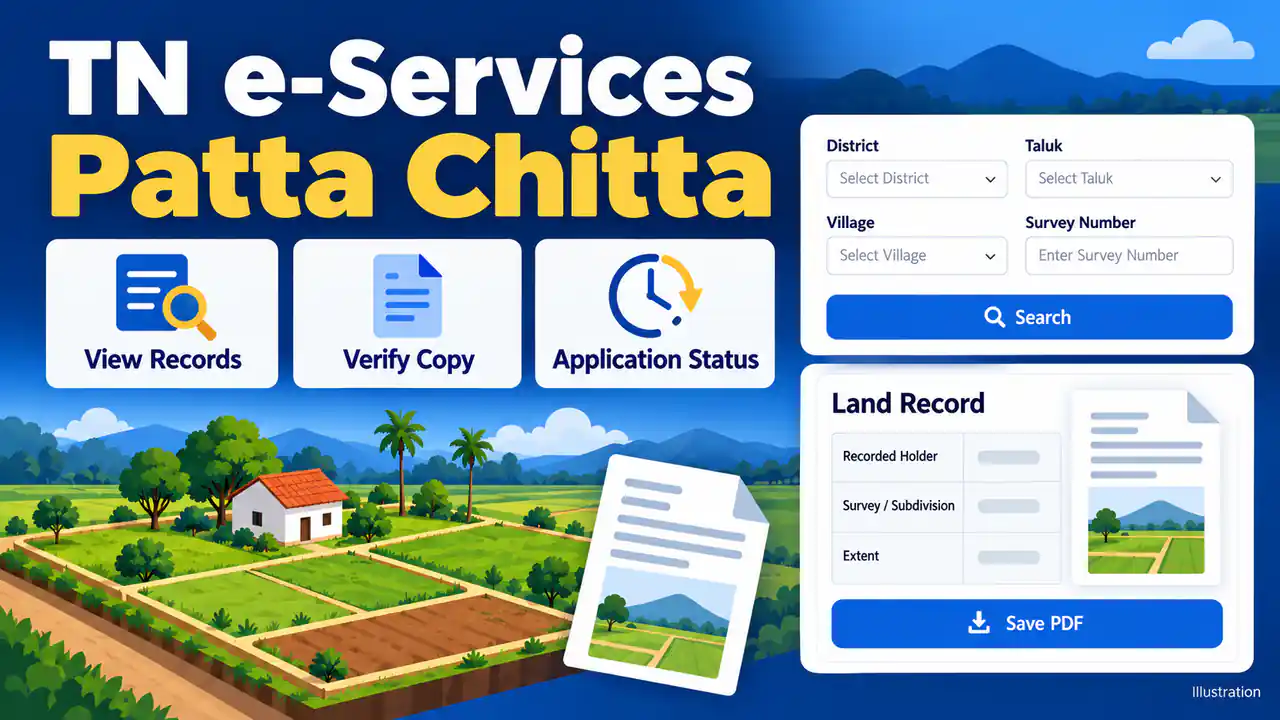
The current government menu separates viewing, verification, urban records and application status.
Which e-Services Option Matches Your Task?
Choose View for an available record, Verify for an issued copy and Application Status for a submitted request. Select TSLR for the town-survey entry rather than forcing urban details into a village search. FMB, A-Register and transfer applications serve different purposes, so select the service before entering particulars.
| Service | Use it for |
|---|---|
| View Patta / Chitta | Available Rural/Natham revenue entries; use the correct village and parcel. |
| Verify Patta / Chitta | Compare an issued copy with the official verification result. |
| TSLR Extract | Written urban Town Survey Land Register entry; use town, ward and block. |
| A-Register | Village survey particulars, recorded extent and classification. |
| FMB / TSLR Sketch | Field Measurement Book or town-survey drawing; choose the rural or urban service. |
| Integrated Land Record | Use the combined-record option listed on the homepage; examine the labels on its result. |
| Government / Poramboke land details | Check the dedicated service and clarify the recorded classification with the revenue office. |
| Application Status | Track an existing request using its acknowledgement particulars. |
| Apply for Patta Transfer | Request a revenue-entry change through the linked TamilNilam service. |
See our TSLR extract guide for urban identifiers and FMB sketch guide for survey drawings. A status result concerns a request; it is not the land-record extract itself.
What Should You Check on the Patta Chitta Entry?
Patta/Chitta searches return revenue-record particulars, including the recorded holder and the parcel's extent or classification. Read the labels on the issued entry instead of treating every format as identical. Compare the location, complete survey/subdivision, Patta number and units with the registered deed and any approved transfer order.
New to these records? Read how Patta and Chitta differ, or follow our step-by-step guide to viewing Patta Chitta online.
| Entry | Your check |
|---|---|
| Location | Match district, taluk and revenue village; a postal address is insufficient. |
| Survey / subdivision | Copy every number and letter; neighbouring subdivisions are different parcels. |
| Holder and Patta number | Compare the recorded entry with the deed and approved transfer. |
| Extent / classification | Read the printed units and category, including wet/dry entries where shown. |
Chitta supplies revenue and classification particulars. Compare any wet, dry or house-site description printed on the entry with the deed and other revenue papers. For a purchase, distinguish these entries from the underlying title documents.
Revenue entries alone do not confer title, as the Supreme Court explains. Check registered dealings separately through TNREGINET Encumbrance Certificate (EC) services; an EC is not a guarantee against every dispute.
How Do You Download Patta Chitta as a PDF?
After matching the record, use its Download or Print control if provided. If browser printing is available, choose Save as PDF and check the preview. Preserve every page, identifier and verification detail. Saving creates a usable copy of what you retrieved; it does not add certification or change the entry.
- Open the saved file to check for cropped survey numbers, missing rows or unreadable text.
- Keep Tamil names as issued. The portal warns against automatic translation because it can alter names.
For a bank, court or government submission, ask which recent or authenticated version the receiving office accepts. Our Patta Chitta download guide covers the PDF steps and common errors.
How Do You Verify an Issued Patta Chitta Copy?
Select the separate Verify Patta/Chitta service from the official homepage. Use the reference or other identifiers requested for the copy, complete the displayed verification and compare the returned particulars. Check the full parcel and recorded entry, not just a matching name. A successful lookup does not resolve every title question.
- Compare location, Patta number, survey/subdivision, extent and holder with the supplied copy.
- For a mismatch or missing reference, retain both versions and ask the relevant revenue office.
How Do You Apply for Transfer and Check Patta Status?
Use the Patta-transfer link on the official homepage for the applicable revenue-entry change. Keep the submitted acknowledgement, then choose Application Status and supply the particulars requested. Read the result against your application. If the previous holder remains on the extract, check the transfer outcome and supporting order before assuming the record was updated.
- Follow the official link to TamilNilam Citizen Portal or use an authorised Common Service Centre.
- Prepare the documents requested for your case, including the deed and existing revenue particulars where applicable.
- Submit through the prescribed route, keep receipts and acknowledgement, then track that request.
The citizen portal lists registered deed, identity and residence proofs among its supporting documents. Its current login page offers mobile-number login and an OTP option. For tracking help, follow our Patta application-status guide.
What Are the Charges for Patta Services?
Fees depend on the service and channel. The official land-records homepage quotes ₹60 for Patta-transfer applications through Common Service Centres. Confirm the named service, receipt and any separate copy or survey charge before paying. A centre's application charge should not be presented as a universal fee for every land-record download.
The Artificial Intelligence, Information Technology and Digital Services Department, Government of Tamil Nadu service list shows ₹60 service charges for full-field transfer, joint transfer and subdivision, with departmental charges listed separately. Check the current assessment for your request.
The e-Services homepage separately states that FMB copies can be downloaded free. Do not reuse an unverified fee table for certified copies, printing or unrelated requests.
What If the Patta Record Is Missing or Incorrect?
Check the selected village, land-record service and complete subdivision before repeating the search. If the result remains missing or conflicts with your papers, retain the deed, earlier entry and application acknowledgement. Ask the revenue office about the applicable correction, transfer or survey process; downloading again does not amend the record.
| Problem | Next step |
|---|---|
| No result | Recheck the location, parcel and Rural/Natham versus town-survey service. |
| Previous holder | Match the deed, then check the relevant transfer application and order. |
| Wrong area or subdivision | Keep both records and request the applicable correction or survey process. |
| Page or verification error | Reopen from the official homepage, retry later and retain any acknowledgement. |
For town-survey renumbering, ask about the corresponding survey identifiers. To trace earlier transfers, use our old owner land-records guide.
Frequently Asked Questions
Can a name-only search reliably identify the property?
Use the identifiers offered by the current form, then match the complete parcel. A common name or similar spelling can refer to another person or holding. Keep a deed or earlier Patta beside you. If the survey particulars are unknown, ask the relevant revenue office to identify them.
Is TNREGINET the destination for Patta Chitta?
Use Tamil Nadu land-records e-Services for the Patta/Chitta searches described here. TNREGINET is the registration portal used for services such as encumbrance records and registered documents. When checking a purchase, obtain the appropriate records from each system and match them to the same property rather than substituting one for another.
Does a saved Patta PDF have a fixed validity period?
Treat the file as a copy of the entry retrieved on that date. Later corrections or transfers can change the record. A lender or authority may require a recent or authenticated version, so ask for its requirements. Printing an older file again does not make the underlying entry current.
Must you use CLIP to view Patta Chitta?
For the lookup in this guide, start at the land-records e-Services homepage. The Industries Department's 2022-23 policy note describes a Comprehensive Land Information Portal (CLIP) for industrial land buyers and sellers. Do not assume that description defines every current Patta service; follow the government link for the task you need.
How long does a transfer or correction take?
The time depends on the application, supporting documents, objections and any survey required. Use the acknowledgement and official status service to follow your case. For a pending or rejected request, ask the processing office what remains outstanding. Avoid treating a general time estimate as a confirmed deadline for your application.
The CLIP context above comes from the Industries Department's 2022-23 policy note, section 1.4.1.2. It is historical context, not a current guarantee of every portal's capabilities.