Which Patta Chitta EC APK or App Should You Use?
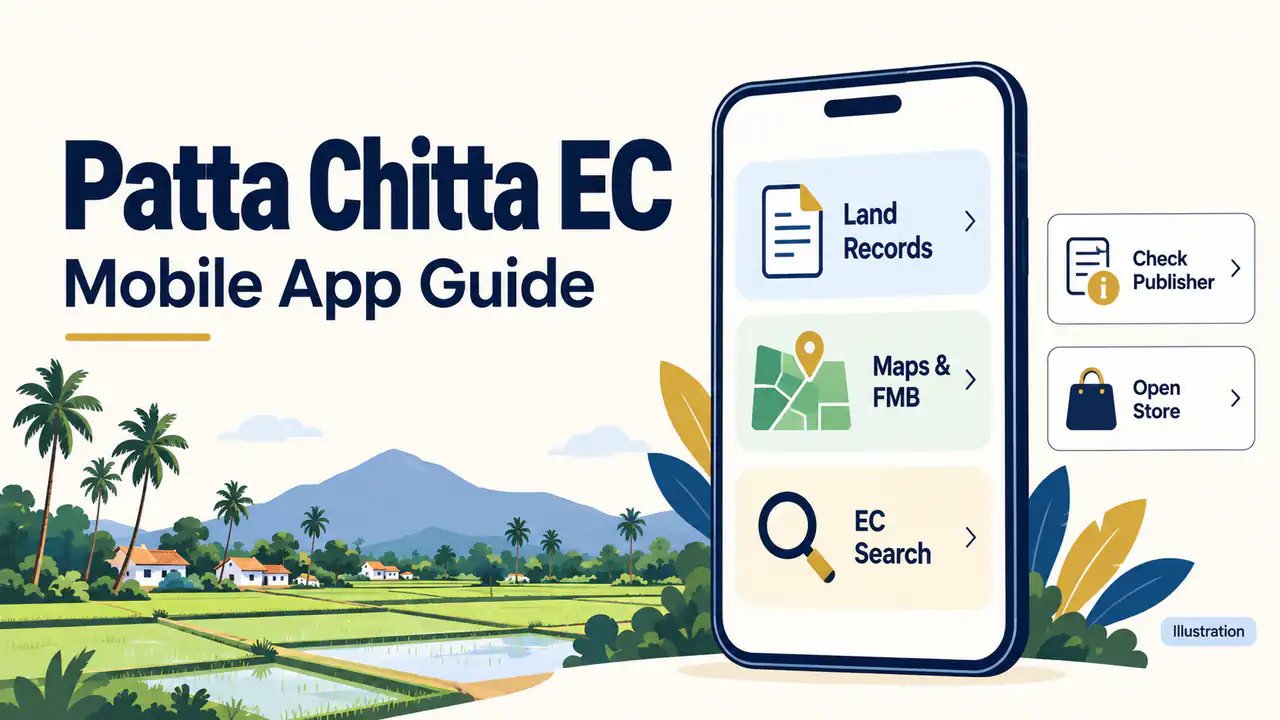
Use the service you actually need: TamilNilam for Patta/Chitta and related records, TamilNilam Geo-Info for survey maps, or TNREGINET for EC. An APK is an Android installation package, not a land certificate. The links below open store listings so you can check the publisher before installing.
| App / store link | Publisher | Listed services |
|---|---|---|
| TamilNilam | National Informatics Centre | Patta/Chitta, A-Register, TSLR, FMB and application status. |
| TamilNilam Geo-Info | Tamil Nadu e-Governance Agency | Map-based access to Patta, A-Register and FMB. |
| TNREGINET | Tamilnadu Registration Department | EC search, guideline values, jurisdiction and document status. |
These services come from their Google Play descriptions. Features and device availability can change; the store listing is the place to check compatibility.
- Patta/Chitta: compare the revenue entry and recorded parcel particulars.
- FMB: examine survey measurements in a drawing, rather than registered transactions.
- Encumbrance Certificate (EC): check registered dealings for the selected search period, then compare them with the deed.
How Do You Install the Android App and Find a Record?
Open the relevant store link, confirm its publisher and install if your device is supported. Prepare the location and parcel identifiers before searching. For rural records, keep the district, taluk, village, survey number and subdivision ready; where offered, a Patta number provides another lookup route for the same record.
- Read the listing, permissions, Data safety declaration and privacy policy.
- Install through Google Play, open the app and choose the required service.
- Enter the identifiers requested by that service; for EC, select the property and search period.
- Check the returned parcel before saving or using the result.
For Chennai or other urban properties, use the TSLR service where applicable. Town, ward, block and Town Survey Number differ from property-tax identifiers.
What Should You Check Before Installing an APK?
Check the developer name, download source and requested permissions, not just the app title. A private app can retrieve government records without becoming a government app. Review its privacy policy and charges before sharing documents, and keep Google Play Protect enabled when choosing or installing software on your phone.
For example, mypatta lists Vilya Technologies Private Limited and explicitly states it is not government-affiliated.
Google's Android guidance recommends Google Play and explains risks from unknown sources. A store listing or scan is not a guarantee against every risk.
How Do You Save Records or Fix a Missing Result?
Use the PDF, Download or Print option offered by the service, then check that all pages and verification details remain readable. If no result appears, recheck the location, survey subdivision and record type. A blank search does not establish ownership; an unresolved entry may require help from the revenue office.
Follow our Patta Chitta download guide, FMB sketch guide or EC View steps for the corresponding service. Check the live fee assessment when requesting a paid or certified service; installing an app does not settle those charges.
The Supreme Court's explanation in paragraph 8.2 distinguishes revenue entries from ownership rights. Review the underlying title documents for a property decision.
Can You Use These Services on PC or iPhone?
Use a browser when an Android app is unavailable or unsuitable for your device. Open Tamil Nadu e-Services for land records or TNREGINET for registration services. Android APK files do not install as native iPhone or Windows apps; browser access avoids needing an Android emulator for these searches.
Frequently Asked Questions
Should I download an old Patta Chitta EC APK version?
Prefer the version offered for your device through the verified store listing. An older APK may lack fixes or fail against changed services. If installation is unavailable, check compatibility and use the government website. Avoid disabling device protections just to make an old file install.
Can I view land records offline after downloading?
A PDF you have already saved can be read without an internet connection. Retrieving a fresh record, checking an application or confirming updated details requires access to the relevant online service. Keep the retrieval date with your copy and compare it with the current record before relying on it.
Does an app record prove ownership or replace a certified copy?
Treat the app as a way to retrieve records, not as certification of your title. Match revenue particulars and registered dealings with the deed and supporting documents. Saving a screen or PDF does not add a digital signature; ask the receiving office which authenticated or certified copy it needs.
Is the TamilNilam app the same as the Patta Chitta website?
The app and the website draw on the same revenue services, but screens and available options can differ. If a feature is missing in the app, try the official website in a browser. Always compare the details with your deed whichever route you use.
How can I tell if a land-record app is genuine?
Open the app from the link on an official government page, then check the publisher name on its store listing. Be careful with apps that ask for payment to show a record, ask for unnecessary permissions, or come from an unknown publisher. If in doubt, use the government website instead.